
Certificate check
Check a Softbook certificate
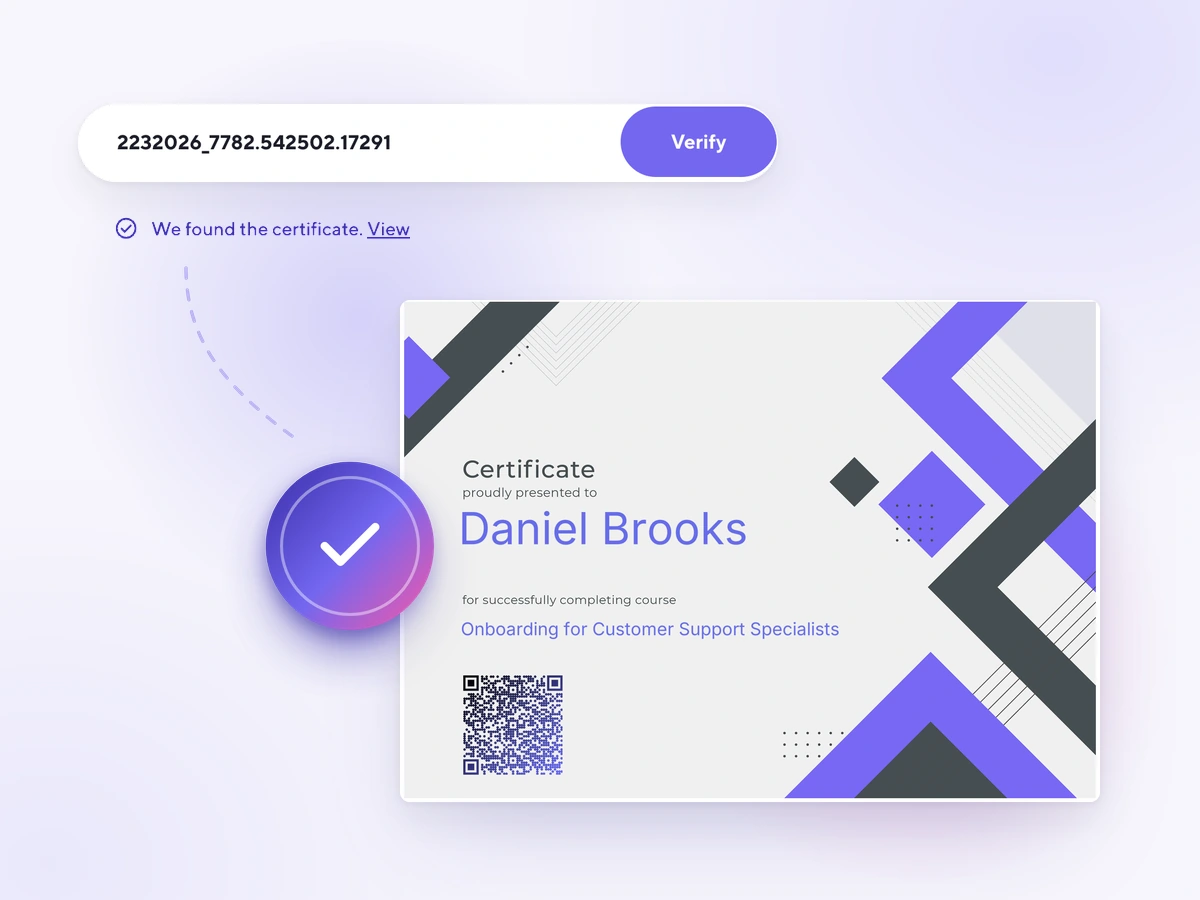
Enter the number of a certificate from any school on the Softbook platform — and see that it was issued through Softbook on behalf of the school named on it.
Transparency
Why check a certificate
What the check shows
A certificate with this number was issued through Softbook on behalf of the school named on it.
No need to call the school
Employers and partners can check a certificate themselves, without calling the school.
Trust and reputation
For the holder it carries weight on a résumé; for the school it builds trust in its certificates.
How it works
A check in three steps
Step 1
Find the number
The unique number is printed on the certificate itself — usually at the bottom.
Step 2
Enter it in the check field
Paste the number into the form above and press "Check" — the page won't reload.
Step 3
Get the result
We match the code against the Softbook registry and show the details of the certificate.
Public check
Every certificate has a unique code
Every certificate issued through Softbook gets a unique code. The check by that code shows that the certificate was issued through Softbook on behalf of the school named on it — and it works for the school's reputation and for trust in its certificates.
Unique certificate code
2140825_1204.517902.30418
Match found in the registry
The code was found among the issued certificates
Issue students certificates that can be verified
Automatic certificates with a unique code are part of the Softbook platform. They're set up without developers.
A question about a certificate? Write to Customer Care.